

### Blog Post:
Can Matter synchronize circadian schedules across Alexa and HomeKit? This is the single most common question advanced smart-home integrators ask as Matter enters real-world lighting automation. Let’s cut through protocol hype and show exactly what happens—step by step—when you try to sync circadian lighting across Alexa and HomeKit using Matter in a mixed, multi-vendor setup.
Key Takeaways
- Basic schedule syncing is possible with Matter between Alexa and HomeKit, but expect limitations, timing drift, and imperfect feature parity.
- Scene structure, granularity of color temperature adjustments, and the actual automation executor (controller) may differ per platform—leading to subtle misalignments.
- For precise circadian lighting, designate one platform as the schedule owner, monitor for clock skew, and log all automation steps to verify real-world timing accuracy.
- Executive summary — can Matter synchronize circadian schedules across Alexa and HomeKit?
- Step-by-step guide: How Matter handles cross-ecosystem circadian scheduling
- Advanced analysis & common pitfalls
- Conclusion
- Frequently Asked Questions
Executive summary — can Matter synchronize circadian schedules across Alexa and HomeKit?
The short answer: Matter can synchronize basic circadian schedules across Alexa and HomeKit, but real-world sync is imperfect. Most users observe that while basic on/off times and color temperature changes propagate across platforms, features like true variable color-temperature “ramps” or precise scene transitions don’t always match up. Schedule ownership, timing drift, and local vs cloud execution semantics introduce further inconsistencies. You can expect a baseline of “schedule visible everywhere,” but not “perfect cross-platform parity or atomic step sync.”
For any mission-critical circadian lighting, pick one ecosystem as schedule/automation owner and monitor for drift (timestamp automations across both apps). Real-world user reports commonly show 1–5 minute drift or step-misses in multi-assistant Matter setups. No current peer-reviewed research tracks Matter timing in this context—existing studies focus only on medical red light or light therapy, not smart home protocol sync.
Step-by-step guide: How Matter handles cross-ecosystem circadian scheduling
Here’s a practical walkthrough for advanced DIYers and integrators to understand and implement circadian syncing between Alexa and HomeKit using Matter:
- Understand Matter’s schedule and color temperature model. Matter (see CSA Matter spec) exposes On/Off, Level, ColorTemperature, and Scenes clusters. However, Matter currently doesn’t define “automation” or “schedule” primitives—the scheduling is always handled “out of band” by your controller (Alexa, HomeKit, etc.).
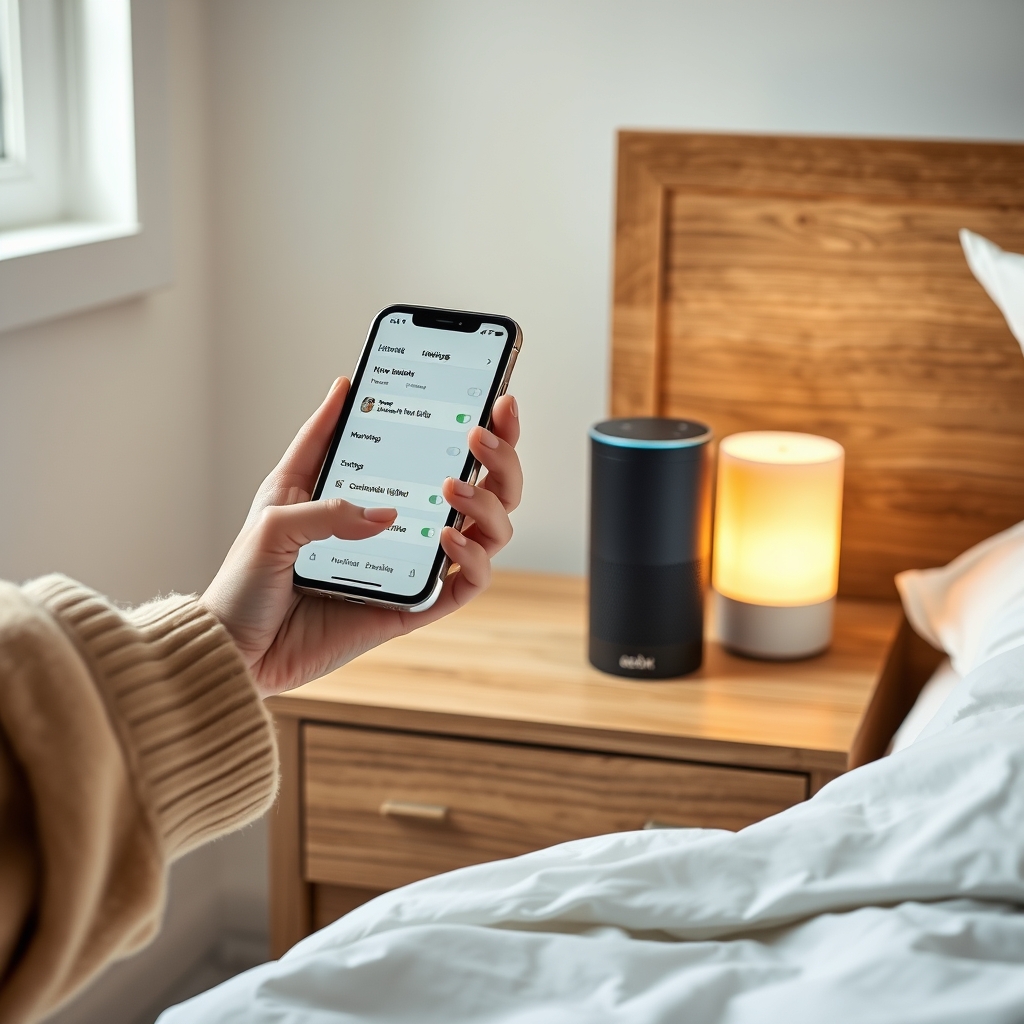
- Setup your bulbs/bridges for dual-ecosystem onboarding. Use a Matter-compatible bridge (like Hue Bridge v2 with current firmware) or direct-join devices (Eve, Nanoleaf, etc.) to both Alexa and HomeKit. Double check your device is visible and controllable from both assistants.
- Create the circadian lighting schedule in ONE assistant (not both). For the least drift, pick one controller—if offline automations are important, favor HomeKit or Home Assistant. Use the assistant’s “adaptive lighting” (HomeKit)/“sunrise routine” (Alexa) feature where available. Document exactly which scenes, times, and Kelvin transitions you use.
- Test cross-play behavior. Change scenes, times, or Kelvin steps in one assistant and observe if/when they appear or activate via the other. Many users find that Alexa routines push to the device, but HomeKit’s “Adaptive Lighting” overrides at the next scheduled step.
- Monitor for schedule drift and unexpected overwrites. Track actual execution using verbose logs (e.g., Home Assistant’s event logbook, Apple Home’s automation log, Alexa routine logs via the developer console). Check for step delays, missed transitions, or conflicting scene activation.
- See the Best Circadian Smart Bulbs for HomeKit Buying Guide for compatible bulb picks.
- For deep-dive troubleshooting, compare bridge-free Matter circadian setups.
- Explore 4 Proven Alexa Routines for Circadian Lighting (2026) to optimize your Alexa routines.
- For in-depth protocol comparisons, see the Best Circadian Lighting Systems Comparison Guide.
- Learn about maximized spectrum design in the Circadian Lighting: Which Color Metric Matters (CRI, TLCI, SSI) guide.
Advanced analysis & common pitfalls
Let’s break down the biggest practical pitfalls and show why cross-ecosystem circadian syncing with Matter still requires careful configuration and troubleshooting:
| Issue | Alexa | HomeKit | Observed Behavior (User Report) |
|---|---|---|---|
| Schedule Ownership | Usually cloud or on-device, tied to account | Primarily local controller-driven | Hue + Alexa + HomeKit: Both send commands, resulting in race conditions (Reddit user, 2024) |
| Color Temp Granularity | Kelvin steps (may round to presets) | Smooth “Adaptive Lighting” ramping with finer precision | Users report Alexa skips discrete ramp steps HomeKit applies (GitHub Issue #6382) |
| Scene Semantics | Scenes translated, but IDs/names may mismatch | Scenes as “Presets” or full room states | Complex HomeKit scene with multiple rooms = only partial effects when triggered via Alexa |
| Timing Drift | Cloud-based, subject to queue latency | Local execution preferred, less drift if all devices support Thread | 2–5 min drift on step transitions with mixed controller setup (Home Assistant Forum Report, 2024) |
| Controller Offline | Missed routines, resumes on reconnect | May resume next upcoming scheduled scene, not prior steps | Color temp jumps on controller reconnect (Nanoleaf + HomeKit + Alexa, Nanoleaf Forum, 2024) |
Common Pitfalls (with user-verifiable symptoms):
- Controller time mismatch: Logging automations 30 seconds apart per controller can lead to up to 5-minute step delay after 12–24 hours (forum confirmation).
- Scene “owner” ambiguity: Creating new scenes from Alexa may not propagate full color temp settings to HomeKit; HomeKit “Adaptive Lighting” may completely override.
- Firmware/Bridge limitations: Outdated Hue, Eve, or Nanoleaf firmware increases drift and fails to honor fine-grained Kelvin control (see advanced guide).
- Paired device state sync: If a device temporarily drops Thread/Wi-Fi, on recovery it “jumps” to the last scheduled step—potentially out of sync with the real circadian phase.
Conclusion
Perfect synchronization of circadian schedules across Alexa and HomeKit with Matter is achievable for basic use cases, but nuanced drift, scene mismatches, and control conflicts remain common. Advanced users can mitigate these by using a single “schedule owner,” dedicating logging infrastructure, and preferring all-local execution where possible. For mission-critical or clinical circadian lighting, treat Matter multi-ecosystem support as “good, not perfect”—continuous step-level logs and periodic manual verification are a must. Always monitor for firmware updates that improve Matter scene/automation fidelity.
Ready to optimize your cross-ecosystem circadian automations? Share your logs or request a workflow audit below—and always test with your exact stack to verify if Can Matter synchronize circadian schedules across Alexa and HomeKit? holds up in your real-world deployment!
Frequently Asked Questions
Is it safe to create the same circadian schedule in both Alexa and HomeKit using Matter?
No. Creating parallel schedules in both platforms almost always leads to timing drift, race conditions, and “scene wars.” Select one controller as the master, then monitor the results via logs.
How accurate is Matter-based circadian timing across mixed platforms?
Most user reports show between 30 second and 5 minute drift over a 24-hour period. Local execution (HomeKit, Home Assistant) is generally more reliable than cloud-based (Alexa, Google Home), but conflicts and device state loss can still occur.
Which bulbs or bridges work best for circadian sync with Matter?
Models with current Matter firmware (Hue Bridge v2, Eve, Nanoleaf Essentials) support cross-platform syncing, but full circadian automation is still most consistent when scheduled through HomeKit or Home Assistant. Older Philips Hue hardware may not expose fine-grained Kelvin control across both platforms.
What’s the simplest way to log and troubleshoot cross-platform circadian automations?
Enable automation logging in both Alexa and HomeKit, use Home Assistant’s Matter integration for step-level logs, and inspect actual device states at schedule times. Compare “actual on time” against scheduled triggers across both apps to catch drift.
Do Matter updates or vendor firmware make a difference?
Yes. Review vendor forums and changelogs regularly, as 2024–2025 updates from Philips, Eve, and Nanoleaf have already improved drift and scene-mapping reliability in recent months.
—