

### Blog Post:
Bridge-free circadian lighting with Matter promises healthy, automated light rhythms for your home—without the clutter of brand-specific hubs or complicated bridges. If you want smooth sunrise-to-sunset lighting that supports sleep, focus, and routines, and you’re tired of juggling extra hardware, this guide is for you. We’ll show you exactly how to build and migrate to true bridge-free circadian schedules using only Matter, with all the actionable steps, device nuances, and troubleshooting tips you need for reliable, consistent results.
Key Takeaways
- Bridge-free circadian lighting with Matter uses direct-connect bulbs—either Thread, Wi-Fi, or BLE—for reliable, automated lighting schedules with no brand-specific hub.
- Consistent circadian lighting requires stable automation uptime over weeks; real health benefits only show after repeated, uninterrupted exposure (independent clinical study ran for 84 days).
- Mesh planning, careful device selection, and regular testing are key for latency and reliability—avoid common pitfalls like mesh dead-zones and mystery firmware updates.
- What is bridge-free circadian lighting with Matter?
- How to set up Matter circadian lighting without a hub — step-by-step
- Advanced analysis and common pitfalls
- Conclusion
- FAQ
What is bridge-free circadian lighting with Matter?
Bridge-free circadian lighting with Matter means your smart circadian LED bulbs connect directly to your smart home controller (phone, tablet, or voice assistant) using open standards—no more proprietary Zigbee/Z-Wave hubs or brand bridges. These bulbs directly support Matter, the new universal smart home standard, letting you automate circadian schedules using just your Wi-Fi router or a Thread Border Router (often built into modern Nest, HomePod, or Eero devices).
There are three main types of Matter direct connect circadian bulbs:
- Thread-based bulbs – Form a mesh network with other Thread devices, need a Border Router but not a vendor hub.
- Wi-Fi bulbs – Connect directly to your home Wi-Fi, no mesh, require strong signal per bulb.
- Bluetooth LE bulbs – Usually for quick setup only, not designed for reliable home-wide automation.
Circadian bulbs go beyond simple color changes: Most aim to mimic daylight and evening patterns by adjusting their spectrum (color temperature and sometimes specific wavelengths) in tune with sunrise, sunset, and daily human rhythms. According to published research, “most studies focus on RL, NIR, and amber light (590 nm) when evaluating light’s physiological effects” (see source). This is why many circadian bulbs specifically mention amber, red, and warm white support in their specs.

In summary: bridge-free means no extra vendor hardware, just open Matter (Thread or Wi-Fi), supporting healthy, hands-off lighting schedules for sleep, work, and well-being.
How to set up Matter circadian lighting without a hub — step-by-step
Ready to go bridge-free? Here’s your granular checklist—no guesswork, no special app required.
- Choose direct-connect Matter circadian bulbs. Look for bulbs specifically marked as “Matter” and “Thread” or “Wi-Fi” in the product specs. Verify that the box or manual mentions built-in circadian or “adaptive” scheduling—avoid bulbs that only advertise color tunability with no automation examples. For help identifying top picks, see our HomeKit circadian bulbs guide.
- Set up your Thread Border Router or ensure reliable Wi-Fi. If you prefer minimal power use and mesh resilience, opt for Thread—most modern Eero, HomePod, and Nest devices double as Border Routers. If you’re going Wi-Fi, check signal strength in every important room. Choose 2.4GHz over 5GHz for better range.
- Add bulbs to your Matter controller. This could be the native app on your Android or iOS device, Apple Home, Google Home, or Amazon Alexa. Scan the QR code on the bulb and assign each to a room/zone.
- Build circadian automations. Under Automations or Routines, create schedules that track local sunrise/sunset (or manual offsets) and transition bulbs’ color temperature and brightness through the day and evening.
- Test for gaps. Manually trigger each stage of the schedule. Walk through your house and check for real-time updates and delays, especially at mesh boundaries. Run the routine for at least 2–4 weeks; as highlighted in clinical trials, “most users notice initial improvements within 2–4 weeks; measurable improvements develop over 8–12 weeks; an independent clinical study ran for 84 days” (see data).
- Add repeaters or extra Border Routers if the mesh is inconsistent. For Thread, consider a secondary Border Router (another Eero, Nest, or Apple device) centered in your home. For Wi-Fi, supplemental access points may be needed for rock-solid routines.
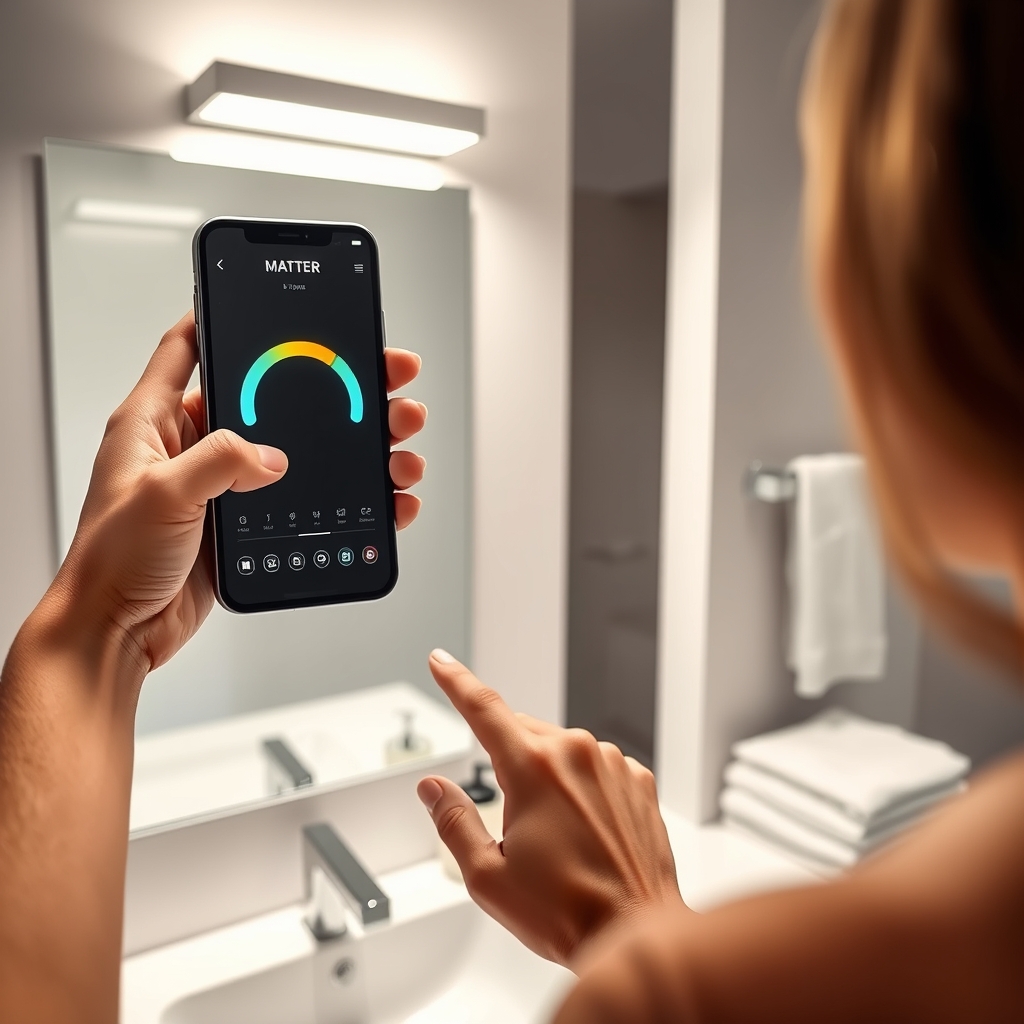
Need more inspiration? Our comparison guide and brand comparison article break down the differences between popular models, standards, and setup quirks in detail.
Advanced analysis and common pitfalls
DIYers report that bridge-free setups deliver on convenience—but only if you plan for real-world reliability, not just theoretical specs. Here’s what you must watch out for:
| Issue | Bridge-Free with Matter | Bridge-Based (e.g., Zigbee Hub) |
|---|---|---|
| Latency (response speed) | Usually sub-second with Thread mesh (except at mesh edges); can slow if Wi-Fi is congested. | Typically fast within hub’s range, consistent across all bulbs. |
| Reliability (schedule sticks) | Depends on mesh quality, firmware stability, and local controller uptime. Firmware updates sometimes reset schedules. | Very high if the hub is solid and doesn’t reboot or lose cloud access. Limited vendor lock-in. |
| Mesh Coverage | Needs careful router/AP placement and enough Thread devices for mesh resilience. | Hub range is fixed; weak in far rooms unless using repeaters or bridges. |
| Advanced Automations | Some Matter platforms still limit automation complexity (e.g., color transitions, weather triggers) compared to dedicated hubs. | Hubs often allow more advanced/local routines and scripting. |
| Firmware/OTA Updates | Not all vendors publish update logs; some roll out silent updates that briefly disrupt routines. | Vendor bridge updates may be more predictable, but details are still often lacking. |
| Battery-powered Devices | Thread is efficient (weeks to months runtime if bulbs sleep), but real circadian routines can drain smaller batteries quickly. | Hub-based low-power mesh can offer longer runtimes if using Zigbee-specific bulbs. |
- Mesh dead zones: If mesh density is too low (especially with Thread), some rooms will lose sync—defeating circadian consistency. Always have a Thread router in or near sleeping areas.
- Firmware roulette: Many reviews report routines dropping after a silent OTA update. Research and stick to brands with transparent update policies.
- Limited adaptive automation: Some Matter platforms only allow static schedules or lack true “circadian” mode—confirm before buying. Advanced routines may still require a hybrid (Matter plus local hub) approach.
- User frustration grows with routine interruptions: As clinical studies highlight, “most users notice initial improvements within 2–4 weeks; measurable improvements over 8–12 weeks; an independent clinical study ran for 84 days” (see data). If you lose uptime, you sacrifice results.
- Battery-powered bulbs may claim multi-week life, but real circadian schedules (ramp up/down every day) can cut runtime dramatically unless bulbs or controllers have deep sleep modes active while following routines.
- Be realistic on spectrum: Some “circadian” products fudge the numbers, calling any adjustable white bulb “circadian,” but don’t offer the right spectrum or color transitions. Look for clearly published SPD/CCT data. Peer-reviewed studies report, for example, “31.6% reduction for red (660 nm) and 29.9% for amber (590 nm) light” (see source).
For a deep dive into comparing brands, cloud reliability, and budget picks, check out our HomeKit circadian smart bulbs guide and 10,000 lux therapy buying guide.

Conclusion
The sweet spot with bridge-free circadian lighting with Matter is direct, low-latency routines without costly, brand-specific bridges. The key is planning your mesh, buying authentic Matter direct connect circadian bulbs, and being diligent about automated schedule testing. Vendors are catching up, but real-world performance always trumps marketing claims—watch firmware releases, and keep your mesh robust through smart placement and regular validation.
Want to get started or migrate from an older setup? Bridge-free circadian lighting with Matter puts you in control—so schedule your routines, test them over weeks, and enjoy real health benefits with less complexity. Ready to claim your daily flow? Start your bridge-free circadian upgrade now.
FAQ
Do Matter bulbs need a bridge for circadian lighting schedules?
No—if the bulb is certified as Matter direct-connect (Thread or Wi-Fi), you do not need a separate vendor bridge or hub for basic circadian schedules. You only need a Thread Border Router (for Thread bulbs) or solid Wi-Fi coverage, and a Matter controller (phone, voice, or hub app).
Are Thread-based or Wi-Fi Matter circadian bulbs better for latency and mesh?
Thread bulbs offer lower power use and create a more resilient mesh network if you have at least one Border Router and 2-3 repeating devices per floor. Wi-Fi bulbs are easier for apartments but may drop connection on crowded Wi-Fi. Thread is usually preferred for whole-home mesh.
How can I tell a bulb is truly “bridge-free” for circadian schedules?
Look for the Matter logo and the phrase “direct connect” (Thread or Wi-Fi) in product materials. Confirm that the vendor describes adaptive, circadian, or “color temperature routines” without needing an app login or bridge. If the box is vague, ask for a spec sheet.
What’s the big risk with bridge-free circadian setups?
If your mesh is thin or Wi-Fi is patchy, bulbs can lose schedule sync. Also, silent firmware updates sometimes reset routines. That said, most users who plan coverage carefully don’t face major issues unless their home is especially large or has dense walls.
When should I still use a proprietary bridge or hub?
Choose a bridge or local smart home hub if you want complex local automations (like interactions with non-Matter devices), ultra-high reliability, or if your home is very large. For most users, though, Matter direct connect covers almost all daily needs.
—